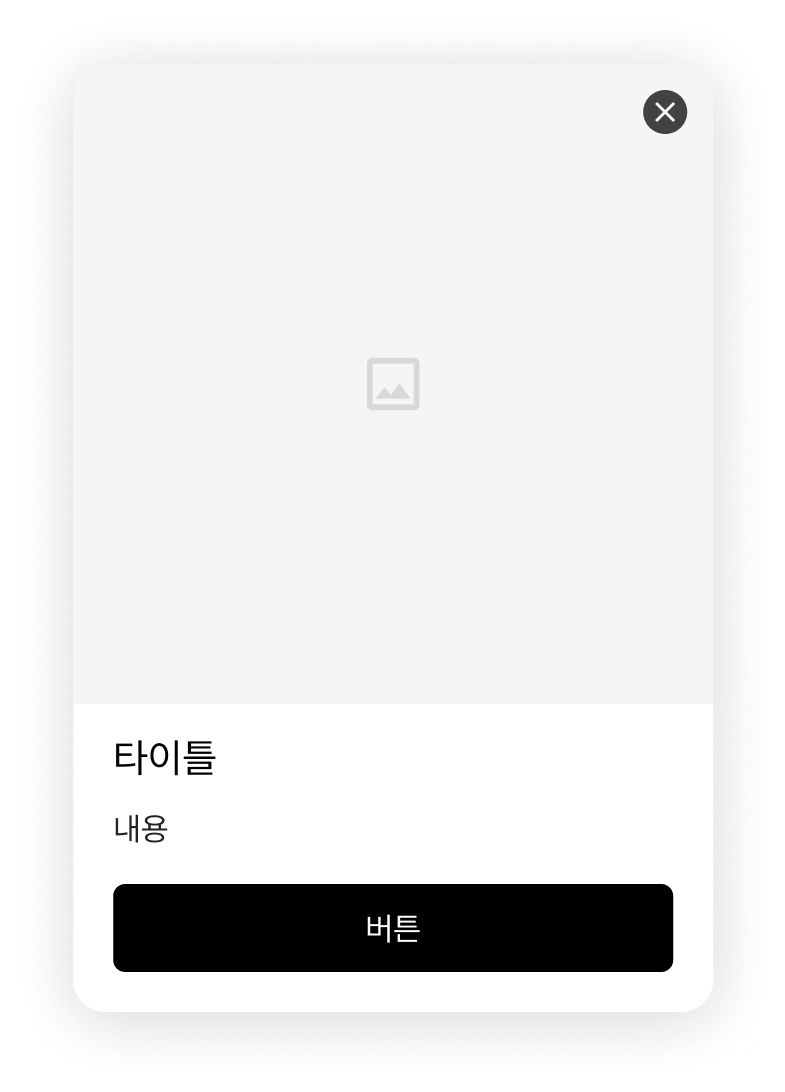
# 온사이트 캠페인 메시지 디자인

## **메시지 디자인 > 요소**

누구나 팝업 / 슬라이드 인 이외 다양한 메시지를 빠르고 쉽게 만들 수 있습니다.

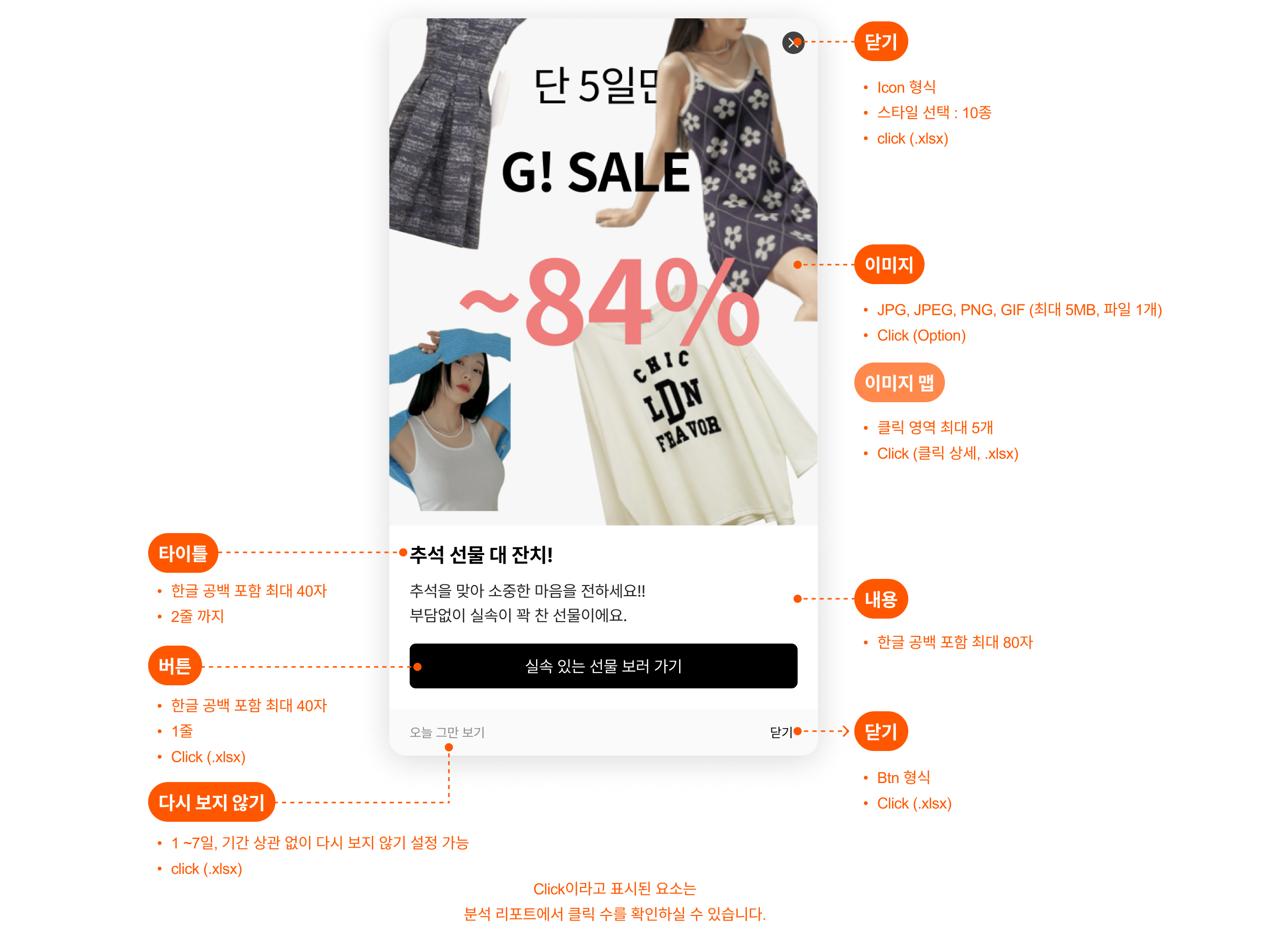
캠페인 메시지에 사용된 요소 설명입니다.

<figure><img src="https://files.helpdocs.io/p92xn84cjv/articles/d0ijjhpkb9/1727669846374/image.png" alt=""><figcaption></figcaption></figure>

### **기존 어드민의 디자인 유형 설정 방법**

팝업 / 슬라이드인 / 모바일 플로팅 바 유형을 그대로 사용하실 수 있습니다. 각 유형에 맞는 설정 요소의 설정 사항을 참고해 주세요.

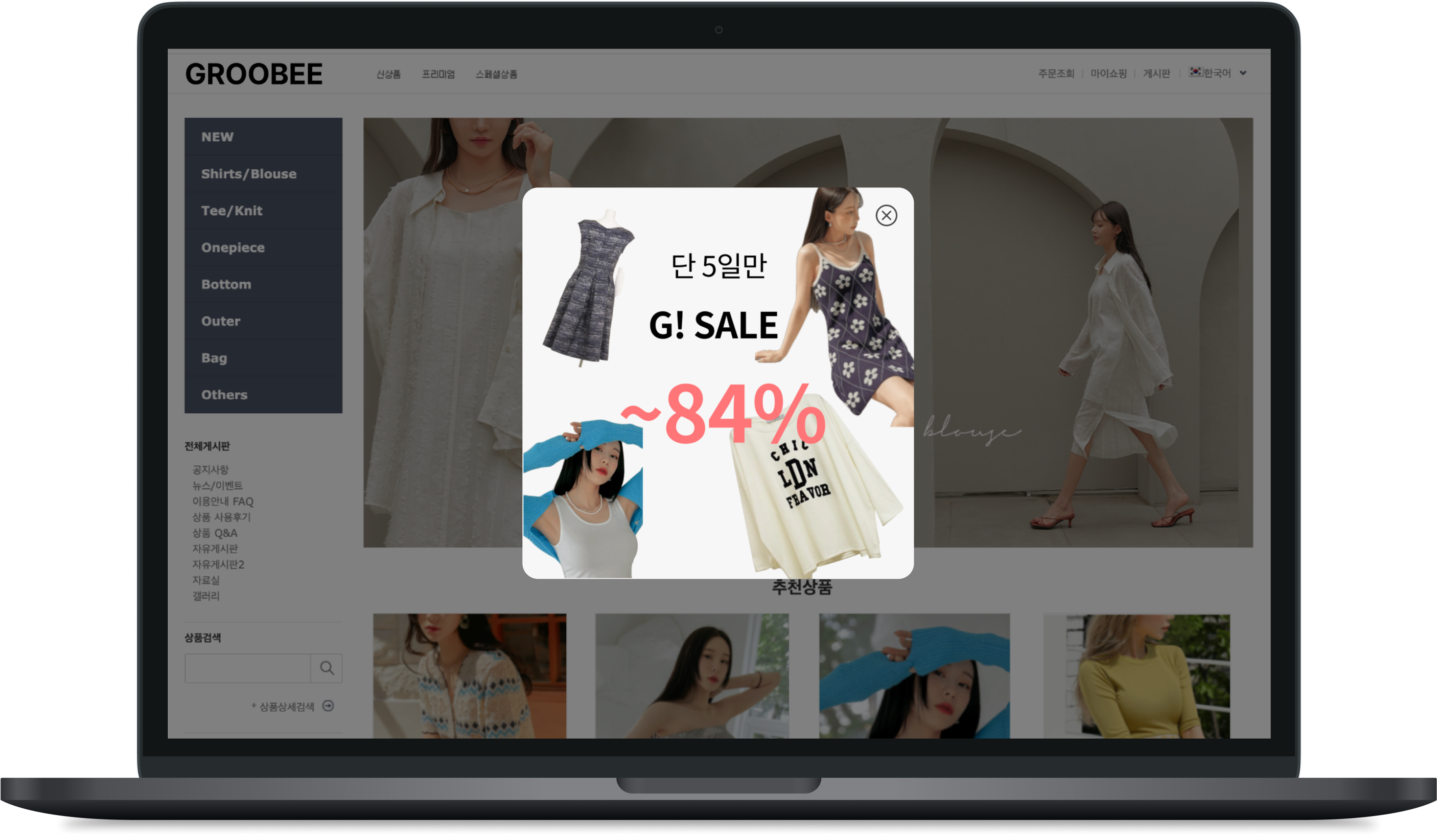
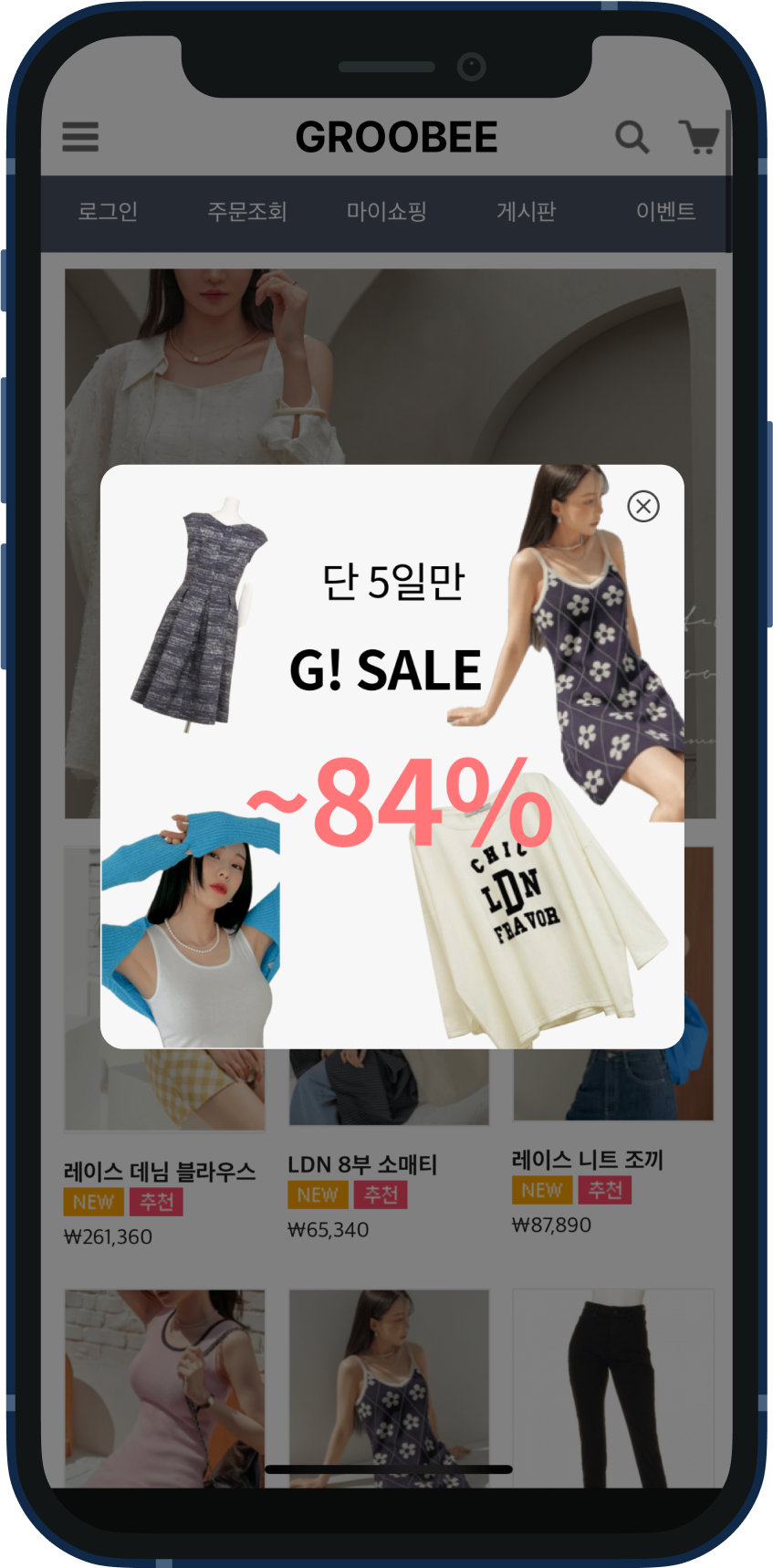
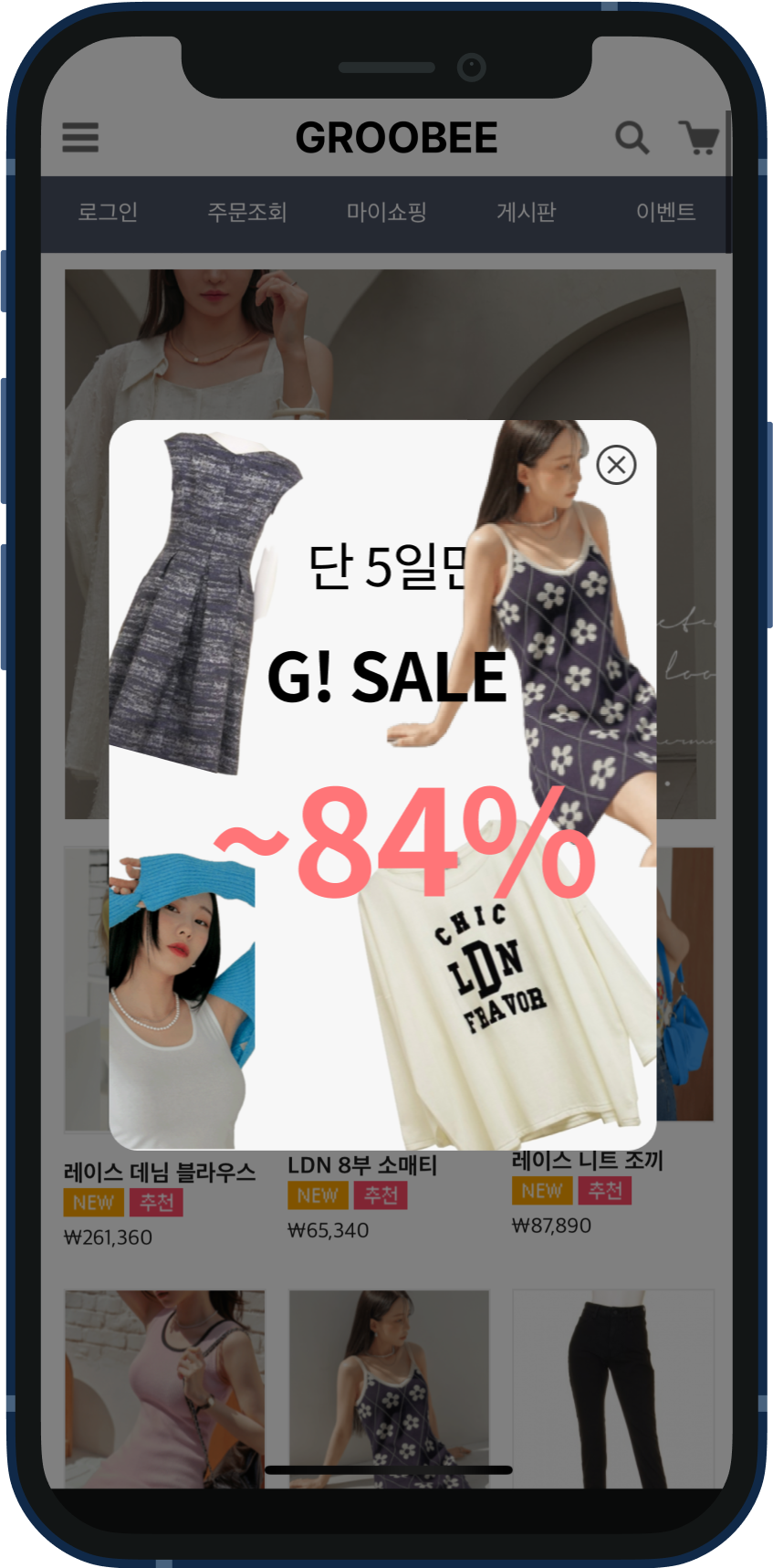
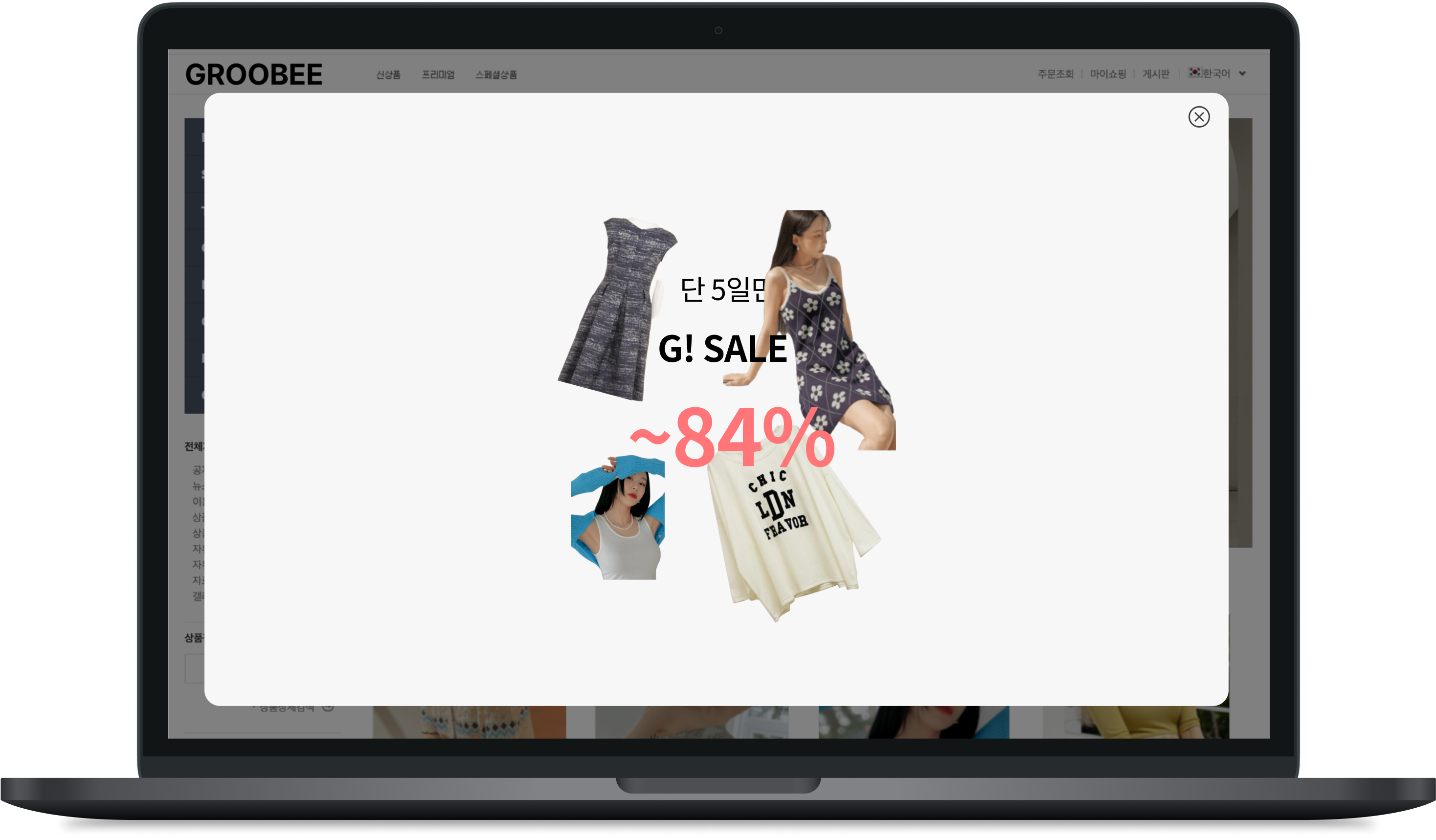
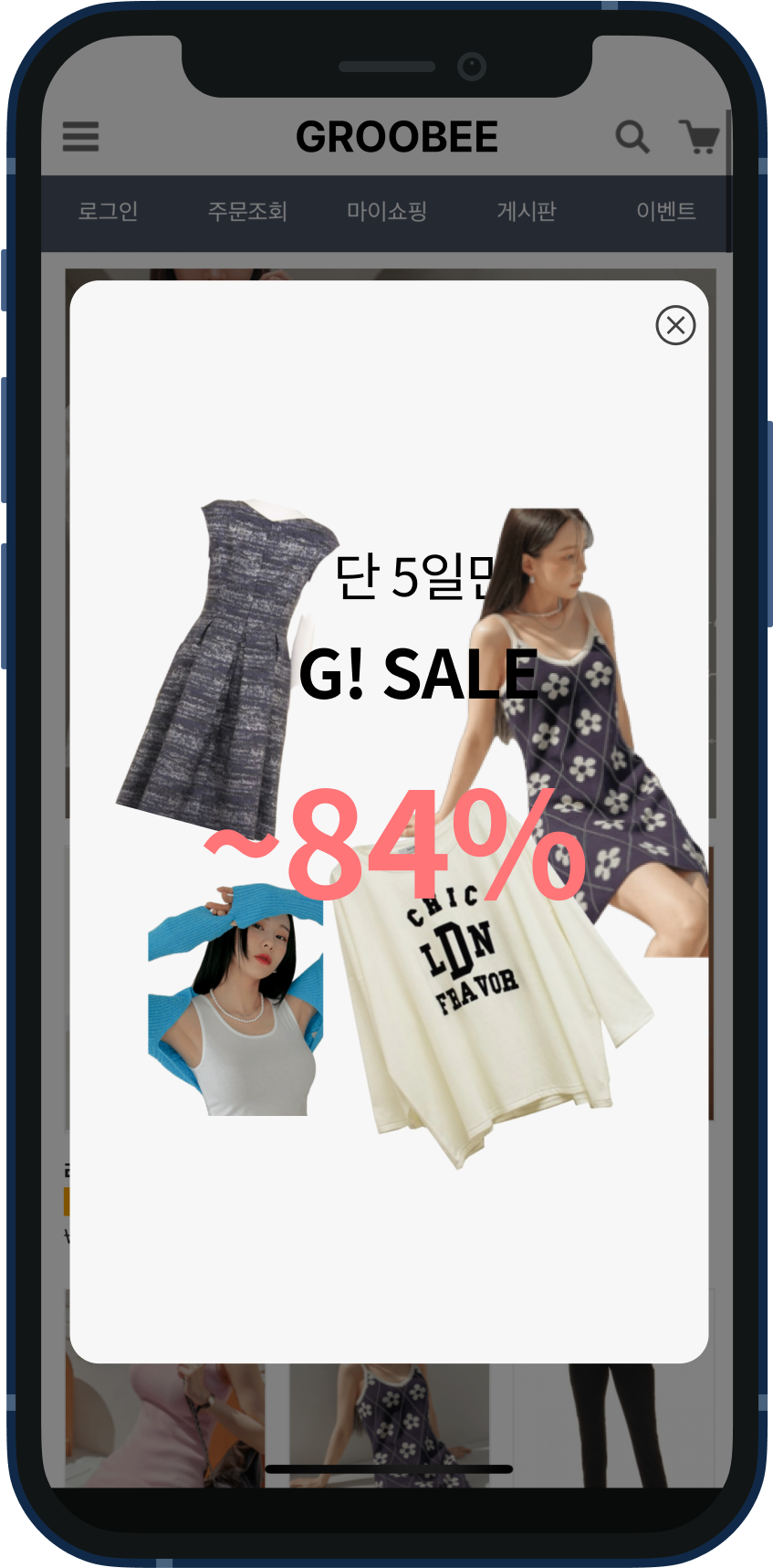
#### **기존 어드민 > 디자인 유형: 팝업**

<table><thead><tr><th valign="top">PC (신규 어드민 > 설정 요소)</th><th valign="top">MO (신규 어드민 > 설정 요소)</th></tr></thead><tbody><tr><td valign="top"><p></p><div><figure><img src="https://files.helpdocs.io/p92xn84cjv/articles/6rh7nv2q70/1727671045362/image.png" alt=""><figcaption></figcaption></figure></div><p></p></td><td valign="top"><p></p><div><figure><img src="https://files.helpdocs.io/p92xn84cjv/articles/6rh7nv2q70/1727671048055/image.png" alt="" width="188"><figcaption></figcaption></figure></div></td></tr><tr><td valign="top"><ul><li><p>업로드 이미지</p><ul><li>권장 사이즈 : 정사각형 모양, 1:1 비율, 400 x 400 (px)</li><li>가로 사이즈 : 400 px</li></ul></li><li>노출 위치: 중앙</li></ul></td><td valign="top"><ul><li><p>업로드 이미지</p><ul><li>권장 사이즈 : 정사각형 모양, 1:1 비율, 400 x 400 (px)</li><li>가로 사이즈 : 320 px</li></ul></li><li>노출 위치 : 중앙</li><li>딤 효과 : on</li><li>애니메이션 : 없음</li></ul></td></tr></tbody></table>

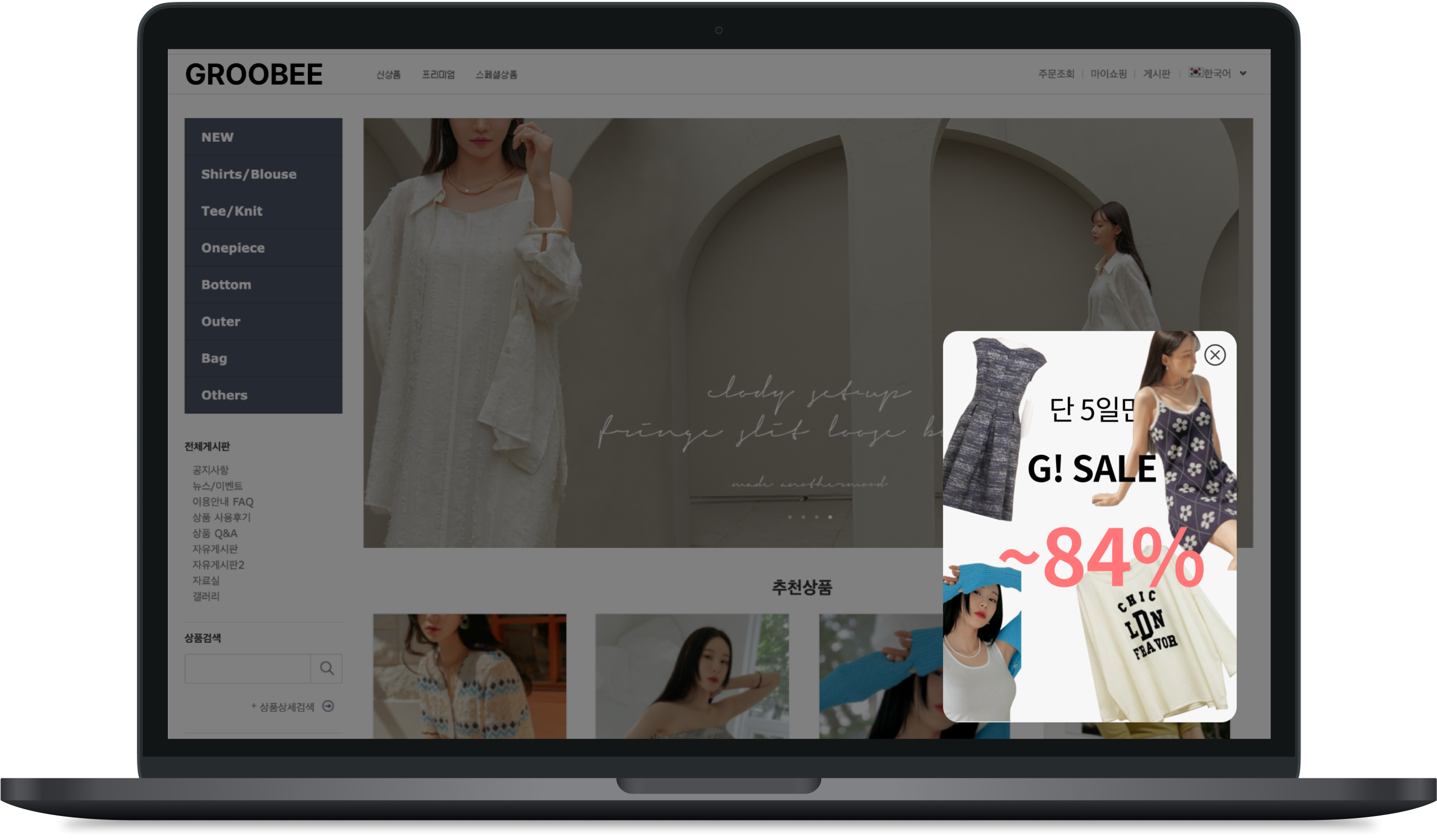
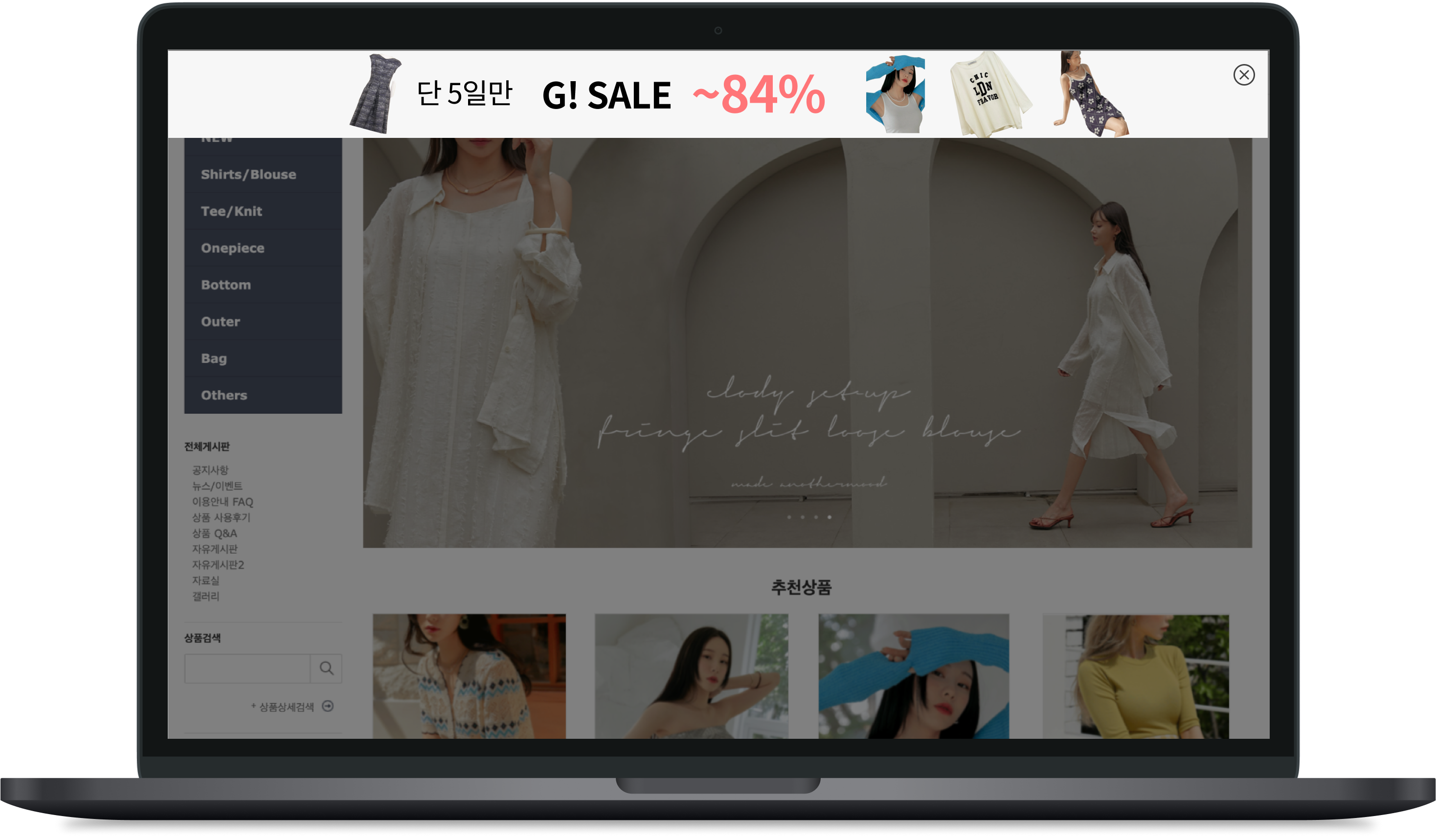
#### **기존 어드민 > 디자인 유형: 슬라이드 인**

<table><thead><tr><th valign="top">PC (신규 어드민 > 설정 요소)</th><th valign="top">MO (신규 어드민 > 설정 요소)</th></tr></thead><tbody><tr><td valign="top"><div><figure><img src="/files/PFPb9epegSIiVhkj9Zh4" alt=""><figcaption></figcaption></figure></div></td><td valign="top"><div><figure><img src="/files/rCfjEALIkAxzBWnSWg2y" alt="" width="188"><figcaption></figcaption></figure></div></td></tr><tr><td valign="top"><ul><li><p>업로드 이미지</p><ul><li>권장 사이즈 : 직 사각형 모양, 약 1:3 비율, 300 x 400 (px)</li><li>가로 사이즈 : 300 px</li></ul></li><li>노출 위치 : 가운데</li><li>딤 효과 : off</li><li>애니메이션 : 없음 or 아래쪽 슬라이드</li></ul></td><td valign="top"><ul><li><p>업로드 이미지</p><ul><li>권장 사이즈 : 직 사각형 모양, 약 1:3 비율, 300 x 400 (px)</li><li>가로 사이즈 : 300 px</li></ul></li><li>노출 위치 : 가운데</li><li>딤 효과 : off</li><li>애니메이션 : 없음</li></ul></td></tr></tbody></table>

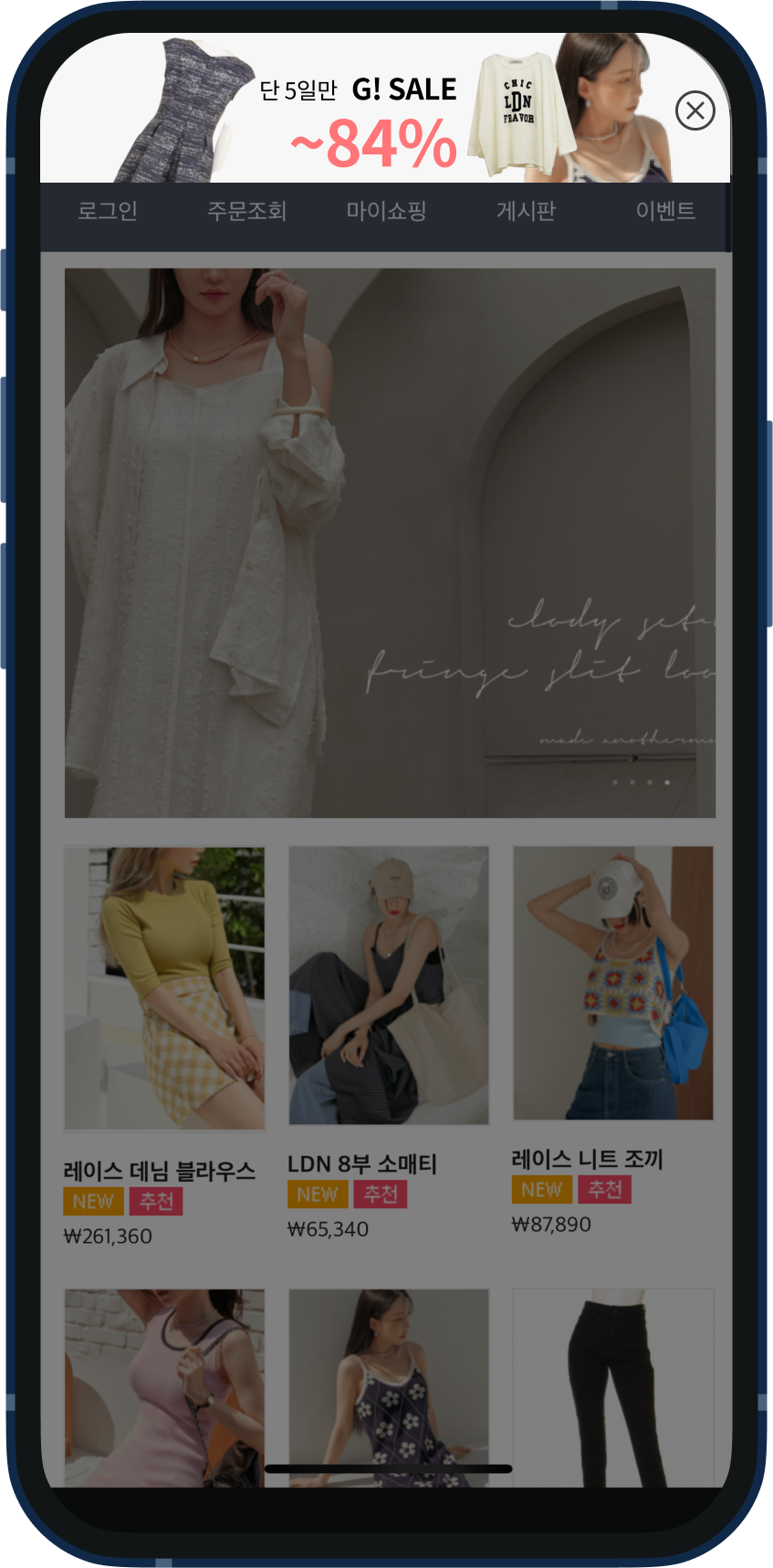
#### **기존 어드민 > 디자인 유형: 플로팅 바(모바일)**

<table><thead><tr><th valign="top">PC (신규 어드민 > 설정 요소)</th><th valign="top">MO (신규 어드민 > 설정 요소)</th></tr></thead><tbody><tr><td valign="top"><div><figure><img src="/files/h7lSoANHPA0neKVE8z5o" alt=""><figcaption></figcaption></figure></div></td><td valign="top"><div><figure><img src="/files/zSI00uZ0j1iOu4Kgbete" alt="" width="188"><figcaption></figcaption></figure></div></td></tr><tr><td valign="top"><ul><li><p>업로드 이미지</p><ul><li>권장 사이즈 : 세로 사이즈 70px</li><li>가로 사이즈 : 100%</li></ul></li><li>노출 위치 : 가운데</li><li>딤 효과 : on</li><li>애니메이션 : 없음</li></ul></td><td valign="top"><ul><li><p>업로드 이미지</p><ul><li>권장 사이즈 : 세로 사이즈 70px</li><li>가로 사이즈 : 100%</li></ul></li><li>노출 위치 : 가운데 위</li><li>딤 효과 : off,on</li><li>애니메이션 : 없음</li></ul></td></tr></tbody></table>

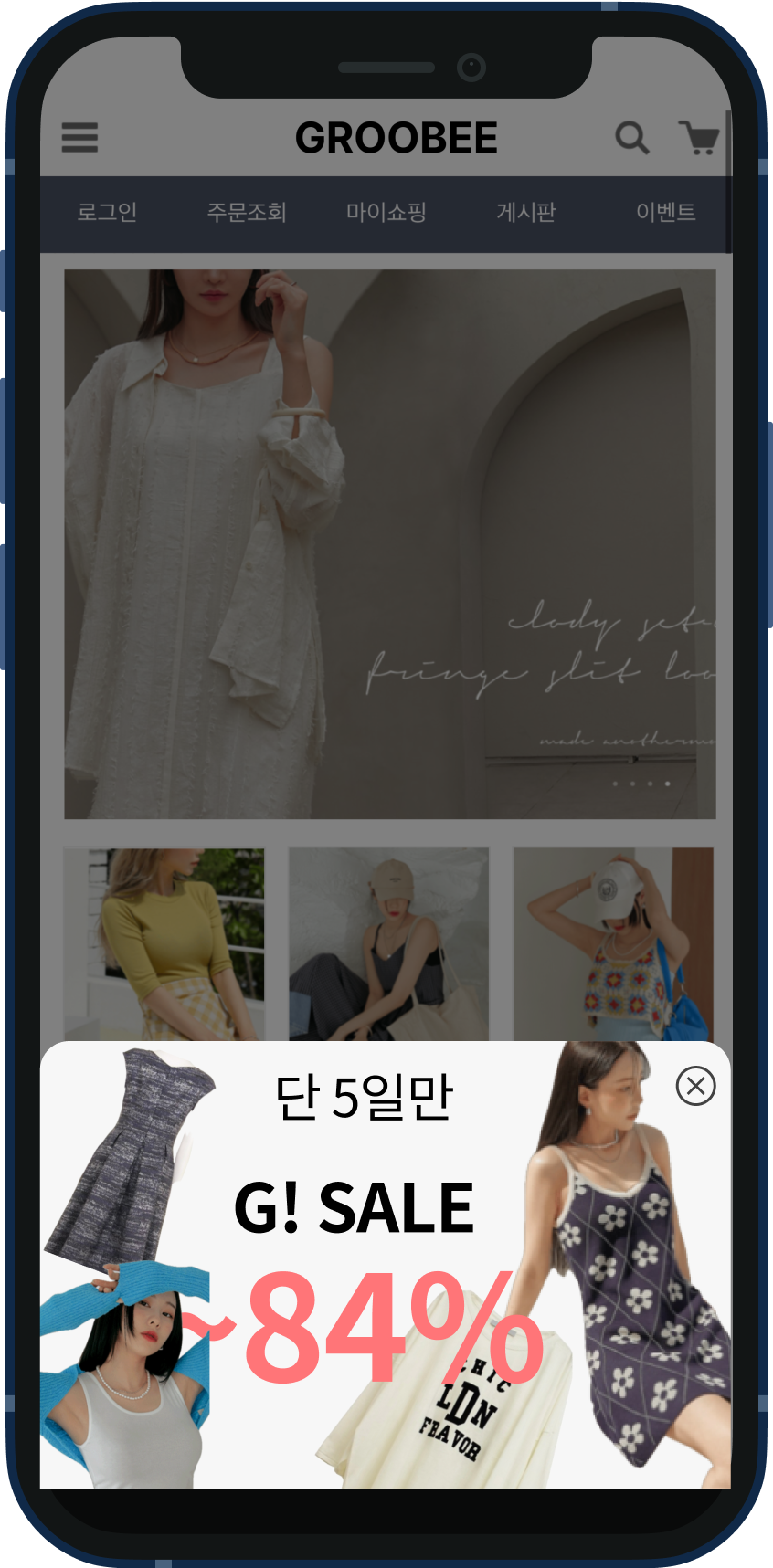
#### **기존 어드민 > 디자인 유형: 바텀 시트**

<table><thead><tr><th valign="top">PC (신규 어드민 > 설정 요소)</th><th valign="top">MO (신규 어드민 > 설정 요소)</th></tr></thead><tbody><tr><td valign="top">-</td><td valign="top"><div><figure><img src="/files/JOx1Okq9Y0T92kGOVQG6" alt="" width="188"><figcaption></figcaption></figure></div></td></tr><tr><td valign="top"><ul><li>기존 플로팅 바를 활용하여 진행</li></ul></td><td valign="top"><ul><li><p>업로드 이미지</p><ul><li>권장 사이즈 : -</li><li>가로 사이즈 : 100%</li></ul></li><li>노출 위치 : 가운데 아래</li><li>딤 효과 : off,on</li><li>애니메이션 : 없음</li></ul></td></tr></tbody></table>

\
**기존 어드민 > 디자인 유형: 풀 스크린**

<table><thead><tr><th valign="top">PC (신규 어드민 > 설정 요소)</th><th valign="top">MO (신규 어드민 > 설정 요소)</th></tr></thead><tbody><tr><td valign="top"><div><figure><img src="/files/jHrXxutqrcARGuVecASx" alt=""><figcaption></figcaption></figure></div></td><td valign="top"><div><figure><img src="/files/lQS33o2VDJqGEaTPApkQ" alt="" width="188"><figcaption></figcaption></figure></div></td></tr><tr><td valign="top"><ul><li><p>업로드 이미지</p><ul><li>가로 사이즈 : 95%</li><li>노출 위치 : 가운데</li></ul></li><li>딤 효과 : on</li><li>애니메이션 : 없음</li></ul></td><td valign="top"><ul><li><p>업로드 이미지</p><ul><li>가로 사이즈 : 95%</li><li>노출 위치 : 가운데</li></ul></li><li>딤 효과 : on</li><li>애니메이션 : 없음</li></ul></td></tr></tbody></table>

***

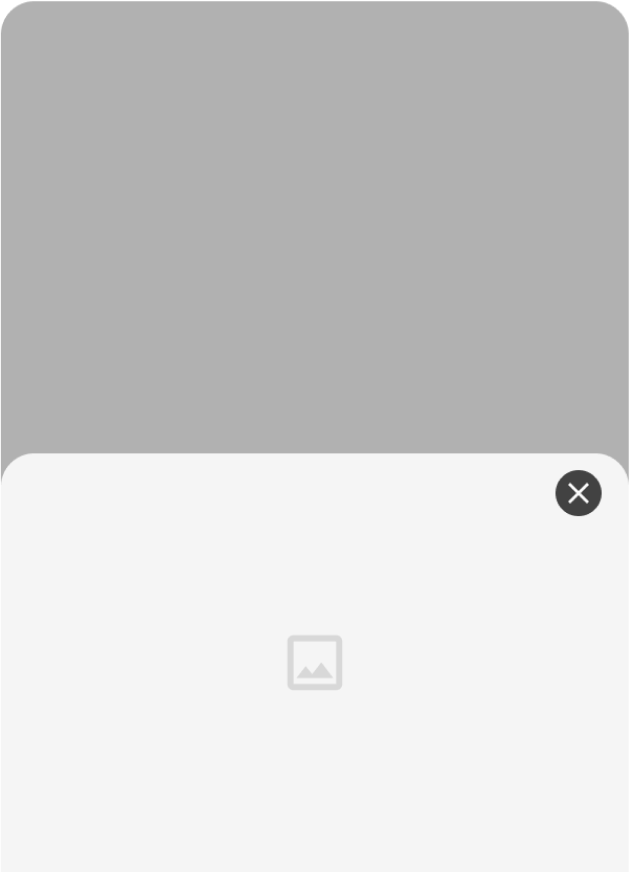
## **메시지 디자인 종류**

* 신규 어드민에서는 이미지로만 이루어진 메시지나 문구를 활용한 메시지를 설정할 수 있습니다.

### **이미지로만 이루어진 메시지**

| <div><figure><img src="https://files.helpdocs.io/p92xn84cjv/articles/6rh7nv2q70/1727671110167/image.png" alt=""><figcaption></figcaption></figure></div> | <div><figure><img src="https://files.helpdocs.io/p92xn84cjv/articles/6rh7nv2q70/1727671116904/image.png" alt=""><figcaption></figcaption></figure></div> | <div><figure><img src="https://files.helpdocs.io/p92xn84cjv/articles/6rh7nv2q70/1727671126932/image.png" alt=""><figcaption></figcaption></figure></div> |
| -------------------------------------------------------------------------------------------------------------------------------------------------------- | -------------------------------------------------------------------------------------------------------------------------------------------------------- | -------------------------------------------------------------------------------------------------------------------------------------------------------- |

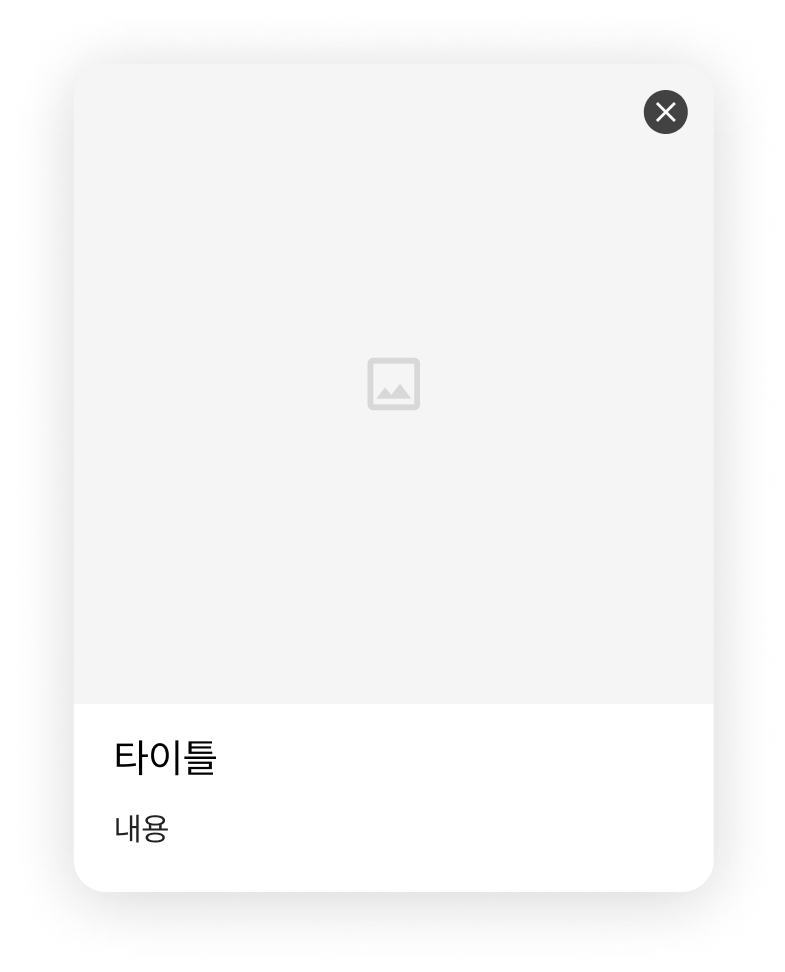
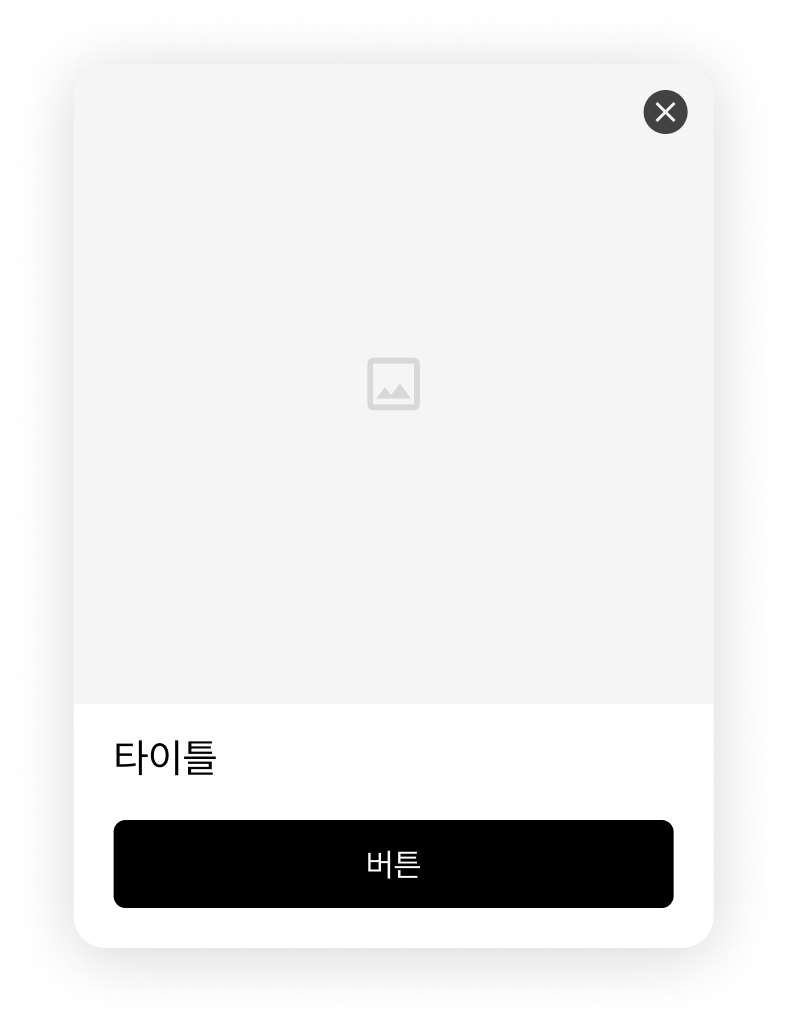
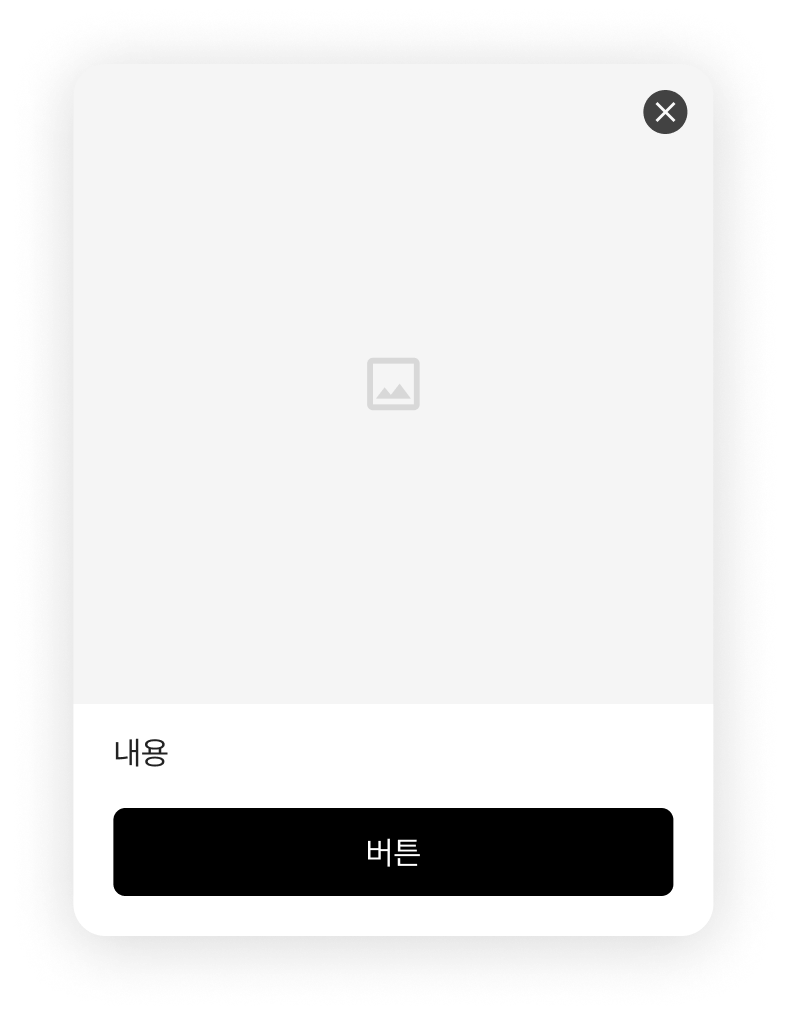
### **콘텐츠를 사용한 메시지**

<table><thead><tr><th align="center">이미지+타이틀+내용</th><th align="center">이미지+타이틀+버튼</th><th width="184.5703125" align="center">이미지+내용+버튼</th><th align="center">이미지+타이틀+내용+버튼</th></tr></thead><tbody><tr><td align="center"><p></p><div><figure><img src="https://files.helpdocs.io/p92xn84cjv/articles/6rh7nv2q70/1727824721783/image.png" alt=""><figcaption></figcaption></figure></div></td><td align="center"><p></p><div><figure><img src="https://files.helpdocs.io/p92xn84cjv/articles/6rh7nv2q70/1727824499931/image.png" alt=""><figcaption></figcaption></figure></div></td><td align="center"><p></p><div><figure><img src="https://files.helpdocs.io/p92xn84cjv/articles/6rh7nv2q70/1727824507886/image.png" alt=""><figcaption></figcaption></figure></div></td><td align="center"><p></p><div><figure><img src="https://files.helpdocs.io/p92xn84cjv/articles/6rh7nv2q70/1727824516005/image.png" alt="" width="188"><figcaption></figcaption></figure></div></td></tr></tbody></table>


---

# Agent Instructions: Querying This Documentation

If you need additional information that is not directly available in this page, you can query the documentation dynamically by asking a question.

Perform an HTTP GET request on the current page URL with the `ask` query parameter:

```
GET https://docs.groobee.ai/new-admin/onsite/message-design.md?ask=<question>
```

The question should be specific, self-contained, and written in natural language.
The response will contain a direct answer to the question and relevant excerpts and sources from the documentation.

Use this mechanism when the answer is not explicitly present in the current page, you need clarification or additional context, or you want to retrieve related documentation sections.